- Hank Addison
- Published:
- Last updated:
- Website Guides
- 1
- 0
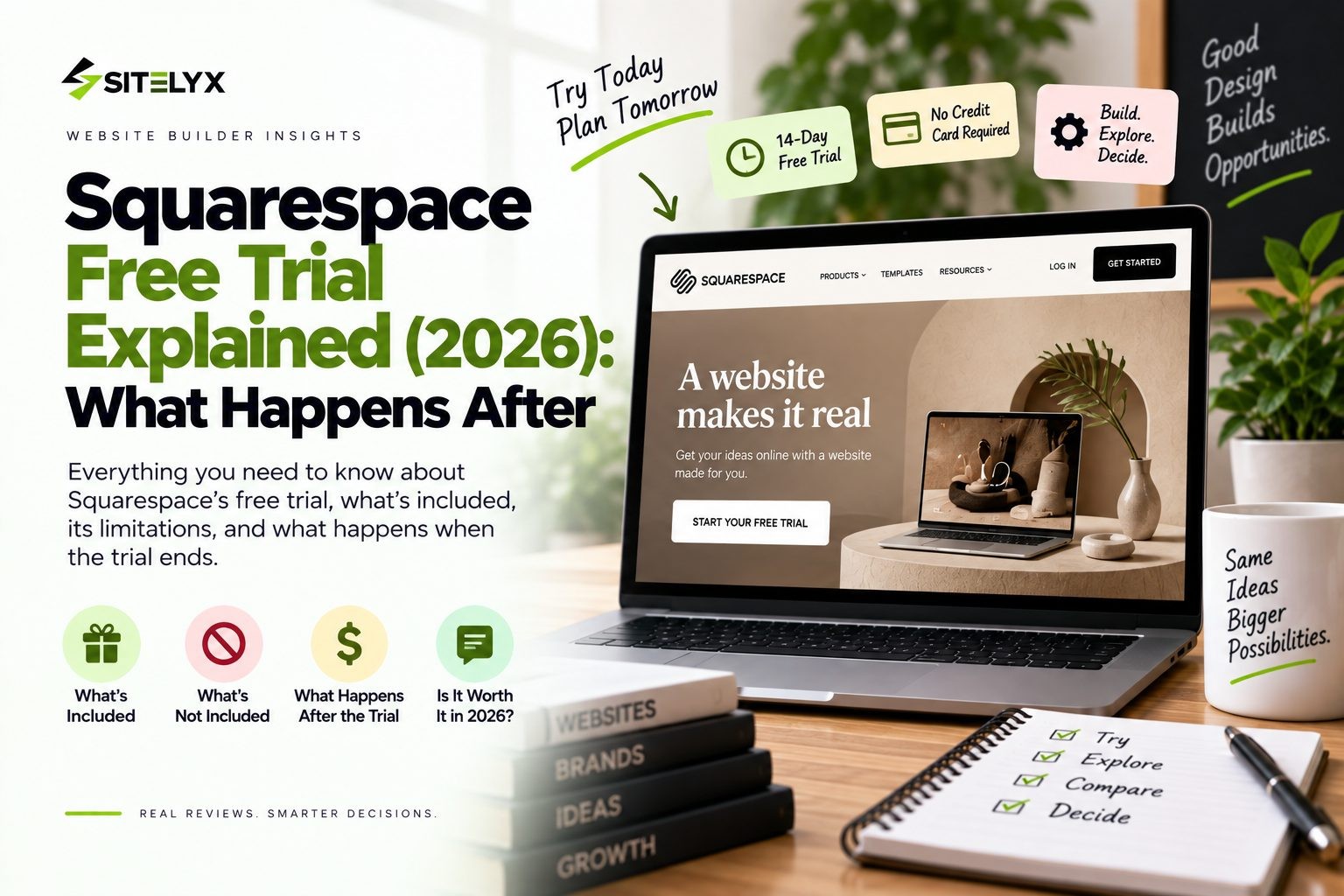
The Squarespace free trial feels generous on day one. Fourteen days, no credit card, and access to almost every feature. Then day twelve arrives, your site is half built, and you start wondering whether all that work is about to disappear.
Here is the short answer. The Squarespace free trial lasts 14 days, needs no credit card, and can be extended once by seven days. When it ends, your site stops being public, and if you never upgrade, your content is eventually deleted for good.
This guide walks through how the trial works, what you can and can't do during it, how to get more time, exactly what happens after it expires, and what Squarespace costs once you start paying. Where popular blogs disagree with Squarespace's own help center, we go with the official answer and say so.
Quick Answer: Squarespace Free Trial at a Glance
- Length: 14 days
- Credit card: not required
- Extension: a one-time 7-day extension, available even after the trial expires
- Visibility: your site is private and not indexed by Google
- After it ends: the site goes offline, and content is marked for deletion after a period of inactivity
- Cost to continue: from $25 per month on Basic, or roughly $16 to $19 per month billed annually
- Want a free site with no countdown? You can start a free site on Sitelyx that never expires.
How the Squarespace Free Trial Works
The Squarespace free trial gives you 14 days to build a website with nearly all of Squarespace's features switched on. In Squarespace's own words, "we offer a 14-day free website trial so you can try Squarespace and get to know our features before subscribing."
You don't need a credit card to start. Squarespace states plainly that it doesn't "require credit card information to sign up for a trial." That matters, because it means there's no payment on file to be charged when the trial runs out.
Your trial site lives on a temporary built-in Squarespace address while you work. You can also run more than one trial at a time. Squarespace says "you can create as many trials as you want," which is handy if you want to test two templates side by side before committing to one.
The best way to think about the trial is as a build period, not a launch. You can design, write, and set up your pages, but as you'll see below, you can't open the site to the public or start selling until you pay.
Is There a Squarespace Free Plan?
No. Squarespace doesn't offer a permanent free plan. The free trial is the only free way to use it, which means the 14-day clock is a real deadline. Once it ends, you either pick a paid plan or lose public access to your site. If you want something free with no deadline, it's worth knowing how to build a free website in minutes on a platform that has a free plan.
How to Start a Squarespace Free Trial
Starting a trial takes a few minutes:
- Go to squarespace.com and click Get Started.
- Answer the setup questions or pick a template. You can change the template later.
- Create an account with your email address. No card is needed.
- Start building. Your 14-day clock begins as soon as the trial site is created.
- Check your expiry date in your dashboard so it doesn't catch you by surprise.
One tip before you sign up: if you plan to hire a designer who is a Squarespace Circle partner, ask them to start the trial for you first. Circle partners can offer longer trial periods, which we cover in the extension section below.
What You Can Do During the Trial
The trial is fairly complete, which is why so many people build most of their site during it.
Use Nearly Every Feature
According to Squarespace, trial sites get access to nearly all features and most custom code options. You can work with templates, content blocks, styles, blog pages, and store pages exactly as a paying customer would.
Switch Templates Freely
You can try different templates while your trial is active. If you're torn between two designs, you can test both before you pay, or run two separate trials.
Invite Up to 5 Contributors
You can add up to five contributors to a trial site. That's useful if a designer, a business partner, or a friend is helping you build.
Password Protect and Share Previews
Although the site is private, you can add a site-wide password and share it with specific people. It's a simple way to let clients or family review your work before launch. Photographers often use this to show a portfolio layout to a client early, and if that's you, it's worth comparing options on this photographer website builder guide.
What You Can't Do During the Trial
Some guides claim the Squarespace free trial has "no limitations." That isn't accurate. Squarespace's full list of trial limitations includes several important restrictions.
Go Public or Get Indexed by Google
"Your site is private during your trial," and "search engines don't index trial sites." Squarespace also notes that a trial "can't be verified by Google Search Console or Bing Webmaster Tools." In practice, that means your SEO clock doesn't start during the trial. Google can't find your pages until you upgrade and publish.
Accept Payments or Sell
You "can't accept payments through Squarespace Commerce" on a trial. You also can't create subscription products, use abandoned checkout recovery, or send customer notification emails. You can build and style an entire store, however you can't take a real order until you're on a paid plan.
Receive Form Submissions by Email
Form submissions can't be sent to your email during a trial, so they need a third-party storage option instead. If you test your contact form and nothing reaches your inbox, this is why.
Podcasts and Getty Images
You can't submit a podcast to Apple Podcasts, and you can't license Getty Images from inside Squarespace while you're on a trial.
Why These Limits Matter
Put together, these limits mean the trial lets you test how your site looks, but not how it performs. You can't see real visitors, search traffic, form leads, or sales. So judge the trial on design, ease of use, and fit, because those are the only things it can show you.
Can People See Your Site During the Trial?
No, not by default. Trial sites are private, so a stranger who types in your temporary address won't see your pages.
There are two ways to let people in. The first is to add a site-wide password and share it with whoever needs to see the site. The second is to invite them as a contributor, up to the limit of five.
Search engines won't see the site either, because trial sites aren't indexed. So if you're hoping to get a head start on Google rankings during the trial, that won't happen. Your site becomes visible to search engines only after you upgrade and make it public.
How to Extend Your Squarespace Free Trial
Fourteen days goes quickly. The good news is that you have two ways to get more time.
The Standard 7-Day Extension
Squarespace offers "a one-time, seven-day trial extension." You don't need to ask for it before the deadline, because it arrives after your trial expires. Here is how it works, according to Squarespace's guide to extending your trial:
- Find the email from customercare@squarespace.com with the subject line "Your trial has expired. Need more time?"
- Click the link that says "Extend your trial by seven days."
- Log back in and keep building from where you left off.
You don't need to enter payment details to extend. Keep in mind that this is a one-time extension, so your total free time on a standard trial is 21 days. If you can't find the email, you can contact Squarespace support directly.
Longer Trials Through Squarespace Circle Partners
Squarespace confirms that Circle partners, its program for professional designers and developers, can offer extended trial periods. Several partners advertise much longer trials than the standard one. For example, some partner sites offer 6 months, while others advertise 12 months or even 365 days, often tied to buying one of their templates or hiring them for a project.
These longer trials usually have to be started by the partner, sometimes before you create your own trial. The exact length and terms depend on the partner, so check the details with them directly rather than assuming a specific number of months.
What Happens After the Squarespace Free Trial Ends
This is the part most guides skip or get wrong, so here is exactly what Squarespace says happens.
Your Site Goes Offline
Squarespace trial sites "expire automatically after 14 days," or after 21 days if you used the extension. At that point, "the site won't be public," so nobody can reach it from your temporary address. You also lose normal access to edit it until you upgrade or extend.
Will You Be Charged Automatically?
No. Because Squarespace doesn't collect a credit card for the trial, there's nothing on file to charge. You only pay if you actively choose a plan. So if you let the trial run out, you won't get a surprise bill.
Will Squarespace Delete Your Site?
Eventually, yes. Some blogs claim expired trial sites are never deleted, but Squarespace's own documentation says otherwise. When a trial expires, "all content is marked for permanent deletion." Squarespace also states that "sites that were never a paid subscription are automatically marked for deletion after a period of inactivity."
The important detail is that Squarespace doesn't publish how long that period is. There is no guaranteed window you can plan around. Once content has been permanently deleted, Squarespace says "it's not recoverable."
So if you care about the work you put into your trial site, don't leave it sitting. Either extend, upgrade, or at the very least save copies of your text and images somewhere else.
How to Restore an Expired Trial
If your trial has expired and you want the site back, you have two options. You can log in and upgrade to a paid plan, or you can use the one-time seven-day extension from the expiry email. Squarespace notes that after reactivating, your content "may appear as you last left it," depending on how long the site has been expired. The longer you wait, the bigger the risk that some or all of it is gone.
How Much Squarespace Costs After the Trial
In early 2026, Squarespace replaced its old Personal, Business, and Commerce plans with four new tiers. Many articles still quote the old names and prices, so here are the current figures.
| Plan | Billed monthly | Billed annually | Store sales fee | Digital product fee |
|---|---|---|---|---|
| Basic | $25/mo | around $16 to $19/mo | 2% | 7% |
| Core | $36/mo | around $23 to $29/mo | 0% | 5% |
| Plus | $56/mo | around $39 to $49/mo | 0% | 1% |
| Advanced | $139/mo | around $99/mo | 0% | 0% |
Annual figures vary slightly by source and region, so check current Squarespace pricing before you buy.
A few things to watch. Annual billing saves up to 36 percent and includes a free custom domain for the first year, although the domain renews at the normal price after that. The Basic plan charges a 2 percent fee on physical product sales and 7 percent on digital products, on top of card processing fees, so it's a poor fit if you plan to sell. Core removes the fee on physical products.
Appointment booking also costs extra. Squarespace uses Acuity Scheduling, which is a separate subscription starting at about $16 per month. For a service business that needs a website and bookings, the realistic cost is Core plus Acuity. If booking is central to your business, this breakdown of a booking website for salons shows how that cost compares elsewhere.
Before You Upgrade: A Quick Checklist
Run through these questions before you pay:
- Have you tested the site on mobile? Most visitors will see it on a phone.
- Is your domain ready? Decide whether to use the free first-year domain or connect one you own.
- Monthly or annual? Annual is cheaper but commits you for a full year.
- Will you sell anything? If so, skip Basic because of its transaction fees.
- Do you need bookings? Budget for Acuity on top of your plan.
- Is there a discount available? Promo codes and partner offers can lower your first-year cost.
How to Cancel a Squarespace Trial
You don't actually need to cancel, because the trial expires on its own. However, if you want to end it early, Squarespace gives you two options.
To cancel the trial: open your account dashboard, open the trial site, go to the Billing panel, click Website under Trial subscriptions, and then click Cancel trial.
To delete the trial completely: open your account dashboard, click the "…" menu on the trial site, select Delete, and confirm.
The difference shows up for visitors. A canceled site displays a "Website Expired" message, while a deleted site displays "Site Deleted."
No Free Plan? A Free Alternative With No Trial Clock
The biggest limit of the Squarespace free trial isn't a feature. It's the deadline. Because Squarespace has no free plan, every trial ends with a choice between paying and losing your site.
Sitelyx takes a different approach. It offers a permanent free plan with no credit card and no countdown. Your site goes live right away on a free address like yourname.sitelyx.co, and Sitelyx describes its free sites as ad free. You can choose from 18 business-specific templates, including salon, restaurant, hotel, event, consultancy, and photography designs, and manage everything from one admin panel at /admin-home.
The free plan has limits, and you should know them. It covers 1 website with up to 5 pages, and it doesn't include a custom domain or ecommerce. When you're ready to grow, Growth costs $4 per month and adds a custom domain, up to 20 pages, and appointments. Pro costs $6 per month and adds full ecommerce. Both paid plans include a 10-day free trial with no card.
| Feature | Squarespace Trial | Sitelyx Free Plan |
|---|---|---|
| Time limit | 14 days (plus one 7-day extension) | None |
| Public site | No, private | Yes, live right away |
| Indexed by Google | No | Yes |
| Credit card | Not required | Not required |
| Cheapest paid plan | $25/mo monthly | $4/mo |
You can compare Sitelyx free and paid plans or browse the 18 Sitelyx templates to see whether one fits your business.
Frequently Asked Questions
Conclusion
The Squarespace free trial is a solid way to test the platform. You get 14 days, no credit card, and nearly every feature, plus a one-time seven-day extension. However, your site stays private the whole time, you can't take payments, and once the trial ends, your site goes offline and is eventually deleted if you don't upgrade.
Use the trial to judge design and fit, not to launch. When you're happy, upgrade promptly or save your work before it's lost.
If you'd rather build without a countdown hanging over you, start a free site on Sitelyx and have it live on your own subdomain today, with no time limit.
No Tags
Login to Leave a Comment
Related Blog
- 21 Sep 2026
- 2
- 0 Comment
Squarespace Free Trial Explained and What Happens After
How the Squarespace free trial works in 2026: 14 days, no card, what you can't do, how to extend it, and what happens to your site when it ends.

- 21 Sep 2026
- 21
- 0 Comment
Wix Free Plan: What You Actually Get (and What You Don`t)
Is the Wix free plan worth it? See what's included, whether Wix has ads, the real limits, and what it costs to remove the Wix banner in 2026.
- 19 Sep 2026
- 21
- 0 Comment
Wix vs Squarespace vs Sitelyx: Honest 2026 Comparison
Comparing Wix vs Squarespace in 2026? We break down real pricing, templates, transaction fees, and SEO, plus a cheaper alternative most people miss.
Comments (0)