- Hank Addison
- Published:
- Website Guides
- <25
- 0
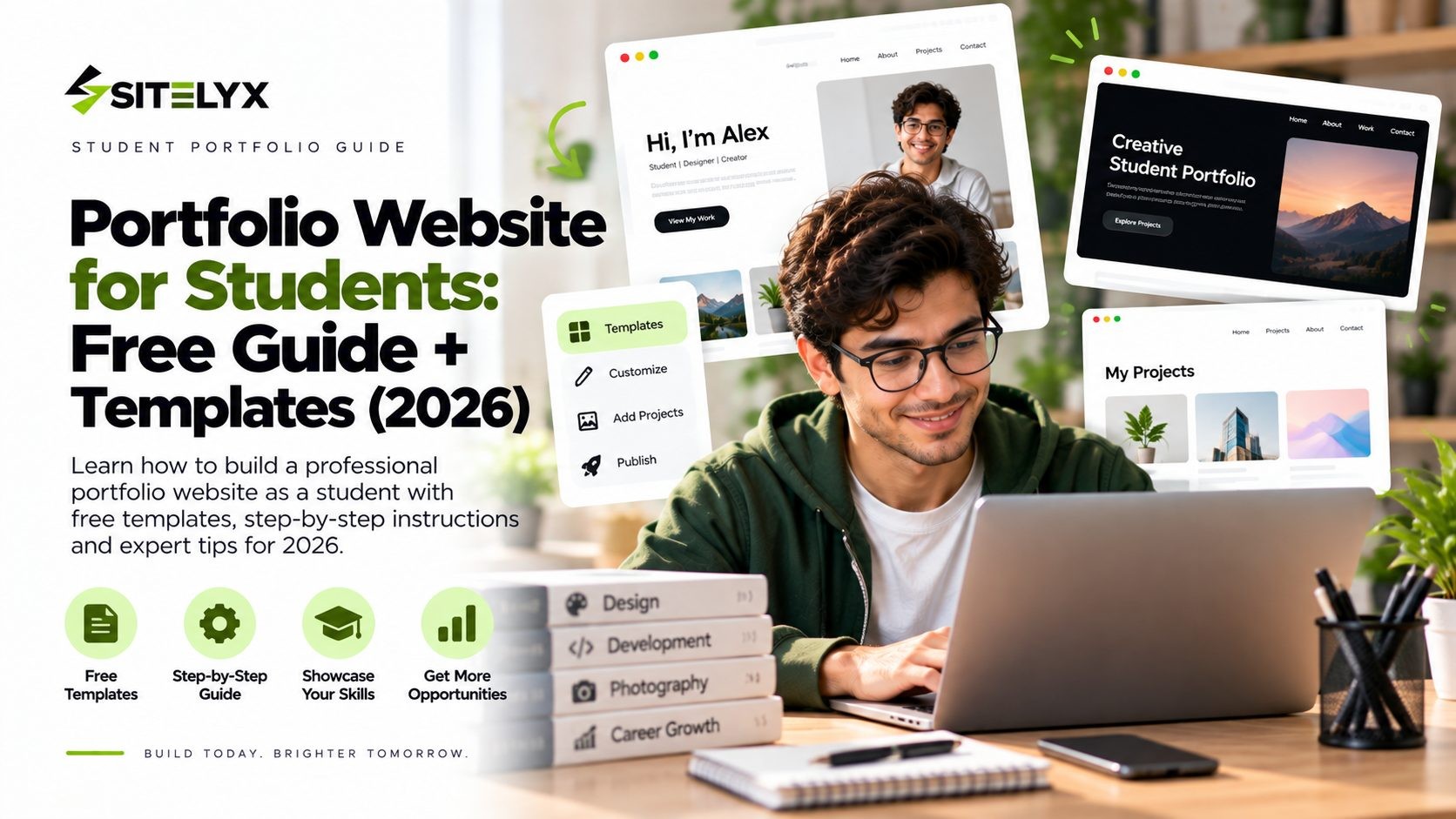
A portfolio website for students solves a problem your resume can't. A resume claims you can do things. A portfolio proves it.
That distinction isn't just a nice phrase. When the National Association of Colleges and Employers surveyed employers for its Job Outlook 2026 Spring Update, the clearest finding was that employers want to see evidence of your skills through your coursework, experiences and activities, rather than a list of skills you say you have.
The trouble is that most articles about student portfolios show you forty beautiful examples and then leave you staring at a blank page, still unsure what to actually write. This guide does the opposite. You get the structure, copy-and-paste templates for every section, free platforms that publish at no cost, and a plan for what to include when you don't have work experience yet.
What You'll Build
By the end of this guide you'll have a site with:
- A homepage with your name, your field and what you're looking for
- Three to five projects written up properly
- An About section with a photo of you
- Your resume, linked or downloadable
- A contact method that works
- Optionally, a blog or a skills page
Five pages is plenty. This is an afternoon of work, not a semester.
Do Students Actually Need a Portfolio Website?
Short answer: if you produce work of any kind, yes. Here's the evidence rather than the opinion.
Employers want proof, not claims. NACE's research on what employers look for surveyed 185 respondents between February and March 2026, including 142 NACE employer members. It found 85% of employers look for teamwork on student resumes, with problem-solving and communication close behind, and more than half said they look for ten or more skills. The important part for you is that employers want evidence of those skills through real examples, not a bulleted list. A group project written up with your role and the outcome is evidence. "Team player" on a resume is not.
People will search for you. In CareerBuilder's survey of 1,000+ hiring managers from 2018, 70% of employers said they research candidates on social networking sites and 66% use search engines. Most strikingly, 47% said they were less likely to interview a candidate they couldn't find online. A portfolio site makes you findable under your own name.
Portfolios get opened. A 2017 Hover study of 121 hiring professionals found 86% would visit a portfolio when given the option, and 71% said its quality would influence their hiring decision. Worth noting that most respondents were Hover customers who already owned domains, so the numbers likely lean favourable.
None of this means a portfolio gets you hired by itself. It means it removes the doubt your resume leaves behind.
What to Include in a Student Portfolio Website
Keep it to the essentials:
- A clear headline. Your name, your field and what you're looking for.
- Three to five projects. Colorlib suggests three to five of your best with context. Extern recommends one signature project plus two or three supporting ones.
- A short bio. One to two paragraphs, as Namecheap advises.
- A photo of you. People hire people.
- Skills and tools, demonstrated through projects rather than listed in isolation.
- Your resume, as a link or a downloadable PDF.
- Contact details you actually check.
- Links out to LinkedIn, GitHub, Behance or Dribbble, depending on your field.
And what to leave off: skill percentage bars claiming "90% Photoshop", every assignment you've ever submitted, your full life story, and an email address you stopped using in first year.
Copy These Templates
This is the part most guides skip. Copy these straight into your site and fill in the blanks.
The Project Write-Up Template
Use the same structure for every project so your portfolio reads consistently:
Project name
What it was: one line of context, including whether it was a class project, freelance work or a personal build.
My role: what you specifically did, which matters most in group projects.
The problem: what you were trying to solve.
What I did: two or three sentences on your approach and the decisions you made.
Result: what happened, with a number if you have one.
Tools: what you used.
Link: live site, repository, PDF or slides.
Here's the same structure filled in:
Campus Food Waste App
What it was: a semester-long group project for my HCI course, built with three classmates.
My role: I led user research and designed the main booking flow.
The problem: the campus canteen threw away surplus food daily, and students had no way to know what was available.
What I did: I interviewed 12 students and 2 canteen staff, mapped the pickup process, and designed a flow that let students reserve surplus meals in under 30 seconds. I tested two versions with 8 users and rebuilt the confirmation screen after five of them missed the pickup time.
Result: the tested prototype cut task completion time from 74 seconds to 28. Our lecturer used it as a course example the following year.
Tools: Figma, Maze, pen and paper.
Link: [prototype link]
Notice how much stronger that is than "Designed a food waste app in Figma." Same project, completely different impression.
The About Bio Template
Fill in the blanks and stop there. One to two paragraphs is plenty:
I'm [name], a [year] [major] student at [university]. I work mostly on [type of work], and I'm most interested in [specific area]. Recently I [one concrete thing you did].
I'm currently looking for [internship or role] starting [when]. Outside of class I [one human detail].
Write it in first person. The third-person biography voice ("Sarah is a final-year design student who is passionate about...") reads as stiff and slightly odd on a personal site, because nobody talks that way.
The Homepage Headline Formula
Someone landing on your site should know who you are within about five seconds:
[Name] · [Field] student at [University] · Looking for [role] in [timeframe]
Worked examples:
Maya Patel · Computer Science student at UT Austin · Looking for a backend engineering internship for Summer 2027
Daniel Okoro · Marketing student at Michigan State · Looking for a social media internship starting January
Priya Raman · Architecture student at RISD · Looking for a summer studio placement in Boston or New York
Specific beats clever. "Creating meaningful experiences" tells a recruiter nothing.
Free Platforms and Templates for Students
You do not need to pay for this. Here are genuinely free options.
| Platform | Free plan | Custom domain | Best for |
|---|---|---|---|
| Sitelyx | Permanent free, ad free, 5 pages, portfolio and resume builder | $4/mo on Growth | Any major, all in one place |
| GitHub Pages | Free | Free with your own domain | CS and development students |
| Canva | Free tier | Paid | Design and visual work |
| Notion | Free | Paid | Fast, text-led portfolios |
| Wix | Free with Wix ads on every page | Paid plans from $17/mo | Drag and drop control |
Sitelyx is worth a look for students specifically because of what's on the free plan: a Portfolio section, a Resume Builder for up to three resumes, a Form Builder for your contact form, a blog and a gallery, across up to five pages. You can see the live portfolio template demo before signing up, and browse the Sitelyx Portfolio template alongside the others. The free plan has no custom domain, which starts at $4 per month on Growth, and the full breakdown is on the Sitelyx pricing page.
GitHub Pages is the natural choice if you write code. GitHub Pages, free hosting for student projects publishes straight from a repository, costs nothing, and shows recruiters your commits at the same time.
The honest catch with every free plan is the address. Free usually means a subdomain like yourname.sitelyx.co or yourname.github.io rather than yourname.com. That's fine for a student portfolio, and you can add a domain later once you're applying seriously.
How to Build It, Step by Step
- Pick your target role first. Backend engineering, UX, social media, structural design. This decides which projects belong and which don't.
- Choose three to five projects. Lead with your strongest, not your most recent.
- Write each one using the template above. Do this in a plain document first, because editing text inside a website builder is slower and more distracting.
- Choose a platform and template. Pick one from the table above and take the closest template to what you need.
- Add your headline and bio. Use the formulas above.
- Add your resume and links. Check the PDF is actually shareable, since a link set to private is a surprisingly common mistake.
- Check it on your phone. Most people will open your link on mobile, often while walking between meetings.
- Put the link everywhere. Your resume header, LinkedIn, email signature and every application.
If you want a walkthrough of the build itself, here's a step by step guide to building a free website.
No Work Experience? Use These Instead
Almost every student hits this wall, and it's more solvable than it feels.
Class projects count. Extern makes this point and it's right: a class project works as long as you frame the brief, your role and the outcome clearly. Employers know you're a student. They're looking at how you think, not who paid you.
Personal projects often count for more. Something you built because you wanted to shows initiative that assigned work can't.
Club and society work. Events you organized, designs you made for a society, a budget you managed, a campaign that filled a room.
Volunteer work. A website for a local charity, social media for a family business, tutoring you organized.
Case competitions and hackathons. Even the ones you didn't win. Explain the problem, your approach and what you learned.
Redesigns. Take a real product with a clear flaw, redesign it, and explain your reasoning. The explanation is the portfolio piece, not the visuals.
One assignment, written up properly. Take a single strong piece of coursework and turn it into a full case study using the template above.
The rule to remember: an employer would rather see one project explained well than six listed with no context.
Portfolio Ideas by Major
Design: case studies showing your process, including the versions that didn't work. Final images alone don't show how you think.
Computer science: two or three repositories with readable README files, plus one project deployed somewhere people can click it.
Marketing: campaign write-ups with numbers, even from class simulations. Reach, engagement and conversion figures all count.
Writing and journalism: three to five polished pieces, published or not, each with a line on the brief and audience.
Business: case competition decks, market analyses, and any financial modelling you've done.
Architecture and engineering: drawings, models and renders, with the reasoning behind your decisions written alongside.
Film and media: a short reel plus one breakdown of how a single piece was made.
Data and science: notebooks and visualizations, each with a plain-English explanation of what the analysis found and why it matters.
If you're still deciding what kind of site suits your field, here are 18 types of websites you can build for free.
Student Portfolio Examples Worth Studying
There's no shortage of example galleries online, and they're useful for design inspiration. Just study them with a checklist rather than scrolling through admiring the fonts.
When you look at a portfolio you like, ask: can I tell what this person does within five seconds? Do their projects explain the problem and their role, or just show the final result? Can I see how they think? Is there an obvious way to contact them?
Two sources worth more than a random gallery: portfolios from students in your own department, which your university careers service usually keeps, and portfolios from people currently doing the job you want. The second group shows you what the standard actually is in your field.
How to Write About a Group Project Without Overclaiming
Most student work is group work, and this is where portfolios go wrong in both directions. Some students write "we" throughout, so nobody can tell what they did. Others quietly imply they did all of it, which falls apart in the first interview question.
The fix is one line near the top of the write-up:
Team of four. I owned user research and the booking flow. My teammates handled branding, the backend prototype and the final presentation.
That sentence does three things at once. It shows you can work in a team, which NACE found 85% of employers look for. It tells the reader exactly what to credit you with. And it signals that you understand your own contribution clearly, which is what an interviewer is really testing when they ask "what was your role?"
Then write the rest of the project in first person about your part, and use "we" only for decisions the team made together. If a teammate did something impressive, say so. It costs you nothing and reads as confidence rather than modesty.
Where to Put Your Portfolio Link
A portfolio nobody opens is just a hobby. Put the link in all of these places once it's live:
- Your resume header, next to your email and LinkedIn
- Your LinkedIn profile, in the website field and in your About section
- Your email signature, including the university account you apply from
- Every application, in any "website" or "additional information" field
- Your GitHub, Behance or Dribbble profile
- Your university careers portal profile
- Your Instagram or X bio, if you post work there
One extra step worth taking: search your own name in a private browser window. If your portfolio isn't on the first page, it usually means the site is too new for Google to have indexed it yet, and submitting your sitemap through Google Search Console helps. This matters because employers search for you, and what they find should be a site you control rather than a tagged photo from a night out in second year.
Mistakes That Cost Students Interviews
- Skill bars. "90% Photoshop" is meaningless, and everyone knows you chose the number.
- Projects with no context. A screenshot with a title tells a recruiter nothing.
- Including everything. Your weakest project sets the impression for all of them.
- No working contact method. Or one linked to an email you never open.
- A site that breaks on mobile. Check it on a real phone.
- A private resume link. Test it in a private browser window.
- Never updating it. A portfolio from first year undersells the student you are now.
Frequently Asked Questions
Conclusion
Employers want evidence. That's the single most useful thing to take from NACE's research, and it's why three projects explained properly will do more for you than a resume full of adjectives.
You don't need a perfect design, a custom domain or a paid plan to start. You need three projects, the templates above, and an afternoon.
When you're ready, you can build your student portfolio free on Sitelyx using the Portfolio template and the resume builder, then add a domain later when the applications start going out.
No Tags
Login to Leave a Comment
Related Blog
- 25 Sep 2026
- <25
- 0 Comment
Portfolio Website for Students: Free Guide + Templates
Build a student portfolio website for free. Copy-and-paste project templates, what to include with no work experience, and free platforms that publish at $0.

- 25 Sep 2026
- <25
- 0 Comment
How to Build a Photography Website (Full Guide)
A step-by-step guide to building a photography website: how to curate galleries, export images correctly, set up image SEO and launch without slowing your pages down.
- 24 Sep 2026
- 27
- 0 Comment
Is Wix a Good Website Builder? An Outsider`s Review
Is Wix a good website builder in 2026? We weighed real user ratings, independent test data and Wix's own numbers, including where Wix genuinely wins.
Comments (0)