- Hank Addison
- Published:
- Last updated:
- Website Guides
- 2
- 0
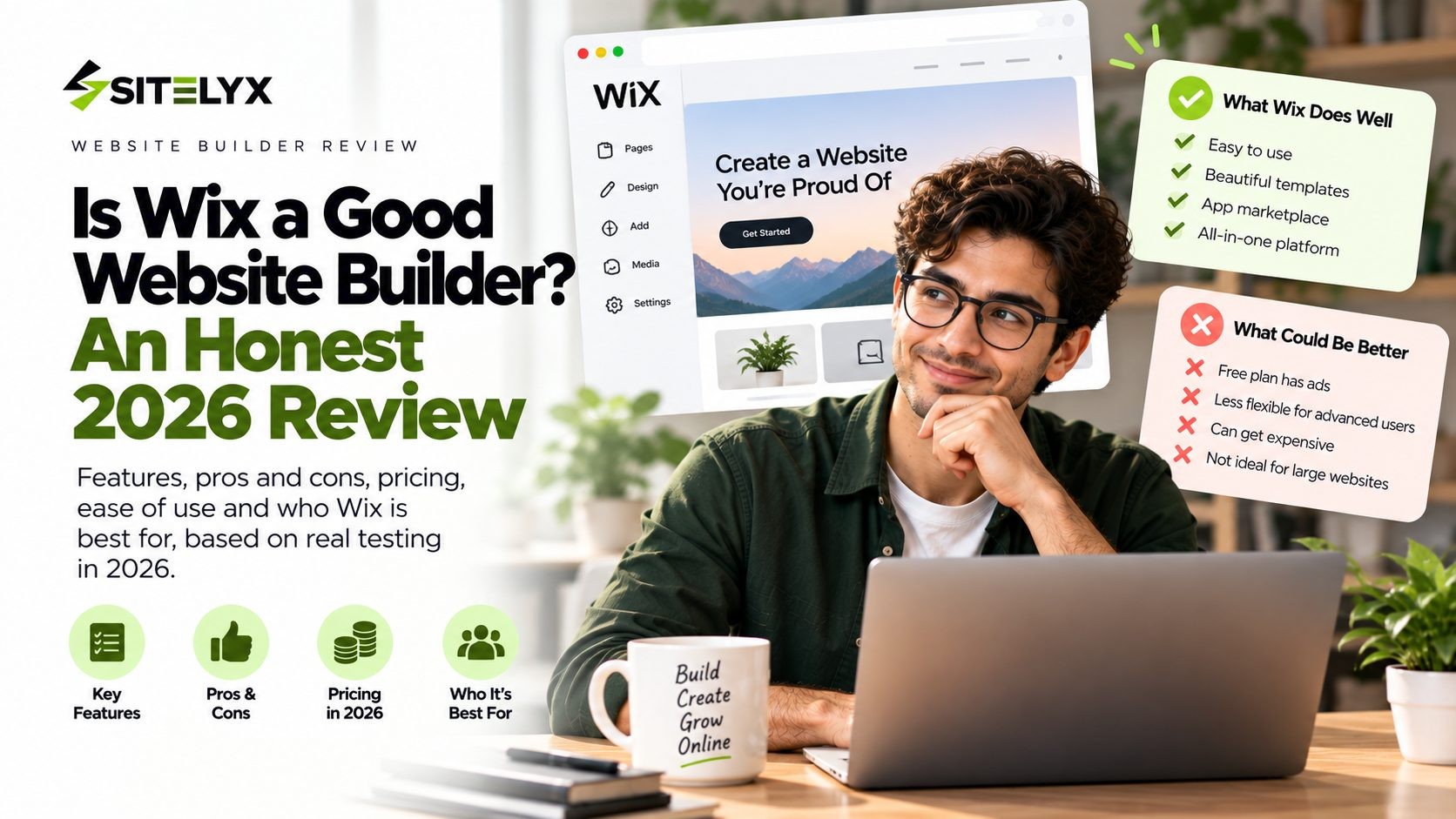
Is Wix a good website builder? It's one of the most popular ways to build a website in the world, and also one of the most argued about. On Trustpilot, 71% of reviewers give Wix five stars, while 22% give it one. That's not a platform people feel lukewarm about.
Most reviews you'll find are written either by Wix itself or by sites earning commission when you sign up. So rather than adding another opinion, this review sticks to things you can check: ratings from tens of thousands of paying users, independent performance tests, and Wix's own published numbers.
The short version is that Wix is a good website builder for most beginners and small businesses, with three specific limitations worth understanding before you commit.
A note on who wrote this: Sitelyx makes a website builder, so Wix is a competitor of ours. That's exactly why this review sticks to verifiable evidence: Wix's own published figures, independent test data, and thousands of real user ratings. Where Wix beats us, we say so, and there are several places where it does.
The Short Answer
Yes, Wix is a good website builder for most people, and independent reviewers agree. Cybernews rated it 4.8 out of 5 and ranked it second out of 38 builders after testing. WebsiteBuilderExpert has named Wix its top-rated website builder for ten consecutive years. Tooltester scores it 4.5 out of 5, and Style Factory gives it 4 out of 5.
That consensus is worth taking seriously. Wix is genuinely easy to use, its template library is one of the largest available, and it bundles ecommerce, bookings and marketing into one platform.
Three limitations come up again and again in user reviews:
- You can't switch templates after publishing. Changing your design means rebuilding the site.
- You can't move your site to another platform. Your content is portable, your site isn't.
- Costs climb as you add apps, storage and higher plans.
None of those are bugs. They're structural choices, which means they won't be fixed in an update. Whether they matter depends on how long you expect to stay on one platform.
How Popular Is Wix, Really?
Popularity isn't proof of quality, but it does tell you something about stability, community and how much you can extend a platform.
According to W3Techs data on Wix's market share, as of September 2026 Wix is used by 6.2% of all websites whose content management system is known, which works out to 4.2% of all websites. That makes it one of the largest website platforms in the world, behind WordPress but ahead of most of its direct competitors.
Wix reported over 260 million registered users as of June 2024. That figure is worth reading carefully, because registered accounts are not the same as live websites. Plenty of people sign up, try the editor and never publish anything.
The company itself is well established. Wix was founded in 2006 in Tel Aviv by Avishai Abrahami, Nadav Abrahami and Giora Kaplan, and listed on Nasdaq in November 2013. It reported 2024 revenue of US$1.76 billion and net income of US$138 million.
One recent development is worth noting without reading too much into it. In May 2026, Wix announced layoffs affecting roughly 1,000 employees, about 20% of its workforce. Large companies restructure for many reasons, and there's no public evidence linking this to service quality. It's context, not a verdict.
For you as a customer, the practical takeaway is that Wix is big enough that it's unlikely to disappear, and big enough to support thousands of templates, hundreds of apps and a huge library of tutorials.
What Real Users Say About Wix
This is where reviews get more useful than feature lists, because paying customers report what it's actually like to live with a platform.
The Ratings, Side by Side
| Platform | Rating | Reviews |
|---|---|---|
| Trustpilot | 3.5 out of 5 | 29,033 |
| Capterra | 4.4 out of 5 | 10,787 |
| G2 | Ranked #2 in Website Builders | 1,691 |
On Capterra, Wix scores 4.5 for ease of use and 4.2 for customer service. On G2, 1,034 of 1,691 reviewers gave it five stars.
Why Trustpilot Is So Polarized
The Wix Trustpilot reviews page shows an unusual split: 71% five-star and 22% one-star, with very little in between.
Read the reviews and a pattern emerges. The praise is almost entirely about the product. Users describe building professional-looking sites with no coding knowledge, and they like the drag-and-drop editor and the AI tools. One reviewer noted that Wix let them create a professional site for their book and update it themselves.
The complaints are mostly about the company, not the builder. The most common themes are unexpected subscription charges, confusing renewal communication where it isn't clear which product is being billed, account lockouts, and difficulty getting refunds or reaching a human.
The fair summary is that people tend to like using Wix and dislike dealing with Wix's billing. If you sign up, set a calendar reminder before your renewal date and keep track of which subscriptions you're paying for.
What Paying Users Complain About Most
Across Capterra and G2, the recurring criticisms are consistent:
- Template lock-in. You cannot switch templates after going live without rebuilding the site.
- Site portability. Exporting and migrating a Wix site to another platform is extremely difficult.
- Rising costs. Premium features, apps and extra storage add up well beyond the headline plan price.
- Mobile layouts. The mobile version often needs manual adjustment rather than adapting perfectly on its own.
- Outgrowing the platform. As one G2 reviewer put it: "It's hard to expand Wix past a pretty page. Want SEO? Redo your site on another platform... Wix is ok for a solopreneur."
That last quote is one person's opinion and the SEO part is arguable, as we'll cover below. But the underlying worry, that Wix is excellent until the day you need something it doesn't do, shows up repeatedly.
What It's Like to Build a Site on Wix
Ratings tell you what people concluded. It's worth knowing what they actually experienced.
You start one of two ways. Either you pick a template from the library and edit it, or you answer a few questions and let the Wix AI builder generate a starting site for you. The AI route gets something on screen in minutes, though the text it writes is generic, so you'll be rewriting most of it. Reviewers consistently report that the AI output is a starting point rather than a finished site.
The editor is visual and immediate. You click an element, you drag it where you want it, and the page updates as you go. There's no separate preview step and no code to touch. This is why Wix scores 4.5 for ease of use on Capterra and why beginners consistently recommend it.
That freedom has a cost. Because any element can go anywhere, you can also create layouts that look fine on your laptop and fall apart on a phone. Wix generates a mobile version automatically, but Capterra reviewers repeatedly mention having to adjust it by hand. Budget time for that, and check every page on a real phone before you launch.
The dashboard is crowded. Wix has added a lot over the years: ecommerce, bookings, email marketing, automations, analytics, a logo maker and more. That breadth is useful once you know your way around, and it's the most common reason reviewers describe a learning curve. WebsiteBuilderExpert flags exactly this, noting a steeper learning curve precisely because there are so many features.
Publishing is instant. Once you're on a paid plan with a domain connected, your changes go live when you hit publish. There's no deployment step and nothing to configure, which is the core appeal of a hosted builder.
What Wix Does Well
Here's where Wix earns its ratings, and where it beats most competitors including ours.
Ease of Use for Beginners
This is Wix's strongest claim. Its 4.5 ease-of-use score on Capterra reflects thousands of people who built a working website with no technical background. The editor is visual, the changes are immediate, and you can see what you're building as you build it.
Template Library and Design Freedom
Wix says it offers more than 2,000 templates. Independent reviewers count differently, with figures ranging from around 900 to 3,100 depending on how variations are counted. Whichever number you use, it's one of the largest libraries available, and far larger than most competitors offer.
More importantly, Wix uses a free-positioning editor. You can place any element anywhere on the page, which very few builders allow. If you have a clear design vision, Wix will let you execute it. Most platforms, including Sitelyx, constrain you to a structured layout instead.
The App Market
Reviewers count roughly 800 apps in the Wix App Market. That ecosystem lets you add booking systems, forms, chat widgets, memberships and dozens of other features without touching code. It's a genuine advantage of being a large platform, and smaller builders simply don't have an equivalent.
All-in-One Business Tools
From the Core plan upward, Wix includes ecommerce, appointment scheduling, email marketing and payments in one subscription. For a business that needs several of those, that consolidation is convenient and often cheaper than assembling separate tools.
Wix also charges no transaction fee of its own on sales. What you pay your payment processor is what you pay. That's a real advantage over Squarespace, whose entry plan charges 2% on physical product sales and 7% on digital products.
Support and Reliability
Wix offers 24/7 customer care on paid plans. Cybernews reported an average support response time of two to three minutes during its testing. On uptime, Tooltester recorded 99.95% annually, and Bitcatcha has monitored 100% uptime since July 2020.
AI Tools
Wix includes AI site creation and AI text tools, available even on free sites. For someone staring at a blank page, generating a first draft in minutes is a practical help, provided you edit the generic text afterwards.
Where Wix Falls Short
You Can't Switch Templates After Publishing
Every major review confirms this, and it's the single most cited frustration. Once your site is live on a template, changing to a different one means rebuilding your content from scratch.
Most competitors, including Squarespace and Sitelyx, let you switch designs while keeping your content. If you're the kind of person who redesigns every couple of years, this limitation will eventually cost you a weekend.
You Can't Take Your Site With You
This is the one that matters most long term. You can export your content, such as text, images and blog posts, but you cannot export your Wix site as a working website. Bitcatcha calls it the biggest drawback of the platform, and Capterra users describe migration as extremely difficult.
In practice, moving away from Wix means rebuilding your site elsewhere. It's worth thinking about before you invest a hundred hours in a platform, because the cost of leaving grows with every page you add.
Page Speed on Mobile
Here's where most reviews pick whichever number suits their argument, so it's worth explaining properly, because two different measurements say two different things.
Server response is excellent. Bitcatcha recorded a US average server response of 116.9 milliseconds and graded Wix A+.
Page performance on mobile is middling. Tooltester's measured performance tests gave Wix a Google mobile performance score of 40.98 out of 100, ranking it ninth out of twelve builders tested.
Both are true. Wix's servers answer quickly, and Wix pages carry a lot of front-end weight, which is what slows the mobile experience.
Context matters here too. In the same test, Squarespace scored 28.94, well below Wix, while GoDaddy scored 67.99 and Jimdo 60.15. So this is an industry-wide weakness among feature-heavy builders rather than something unique to Wix.
The Free Plan Isn't Usable for Business
Wix has a free plan, and for a business it isn't a serious option. Free sites display a Wix banner ad on every page and show the Wix favicon in the browser tab. Your address is a long wixsite.com URL, storage is capped at 500MB with 1GB of bandwidth, and you can't accept payments or see site analytics.
It works well for learning the editor or building a personal project. For anything customer-facing, treat Wix as a paid platform.
Costs Add Up
Wix's paid plans in 2026:
| Plan | Billed annually | Billed monthly |
|---|---|---|
| Light | $17/mo | $24/mo |
| Core | $29/mo | $36/mo |
| Business | $39/mo | $46/mo |
| Business Elite | $159/mo | $172/mo |
Light removes the ads and lets you connect a domain, but it has no ecommerce and no scheduling. Most small businesses need Core at $29 per month billed annually, which is $348 a year. Add a few paid apps and a storage upgrade, and the real figure climbs from there. This is the "rising costs" complaint that shows up repeatedly on Capterra.
Paid plans do come with a 14-day money-back guarantee, so you can test properly before committing.
Is Wix Good for SEO?
Wix's SEO reputation is stuck several years behind reality, so it's worth separating the old criticism from the current facts.
What Wix actually gives you: custom meta titles and descriptions for every page, canonical URL control, structured data markup, automatic sitemaps, robots.txt access, Google Search Console integration, and a guided setup tool. WebsiteBuilderExpert rates its SEO tools as a strength and notes a Semrush integration for keyword research.
Robots.txt access is worth highlighting, because Squarespace still doesn't offer it. On technical SEO features, Wix is ahead of its closest design-led competitor.
Where the criticism still lands: page speed. A mobile performance score of 40.98 out of 100 isn't helping you in competitive search results, and Google has been explicit that page experience is a factor.
The balanced verdict: Wix's SEO features are no longer a real weakness. Your rankings will be limited far more by your content and your page speed than by the platform's toolset. If you want traffic, the highest-value thing you can do on any platform is publish genuinely useful content consistently. Here's a guide to starting a blog that ranks on Google if that's your goal.
Who Wix Is Right For, and Who Should Skip It
Wix is a good choice if you:
- Want the largest template selection available
- Want freedom to position elements exactly where you like
- Need ecommerce, bookings and marketing in one platform
- Are building one site rather than many
- Value 24/7 support and a large ecosystem of apps and tutorials
Consider something else if you:
- Want the option to move platforms later without rebuilding
- Need the lowest possible running cost
- Want a free plan without ads
- Expect to redesign your site regularly
- Are building a large, complex site where page speed is critical
If Wix isn't the fit, the honest alternatives are WordPress for control and portability, Squarespace for design polish (though it scored worse than Wix on mobile performance), Shopify for serious online stores, and Sitelyx for the lowest cost and an ad-free free plan. If you're not sure what kind of site you need, here are 18 types of websites you can build for free.
Wix vs the Other Big Builders
Wix rarely gets chosen in isolation, so here's how it stacks up against the platforms people usually weigh against it.
| Wix | Squarespace | WordPress | Shopify | |
|---|---|---|---|---|
| Entry paid plan | $17/mo annually | About $16 to $19/mo annually | Software free, you pay hosting | From $39/mo |
| Free plan | Yes, with ads | No, 14-day trial | Software is free | No |
| Switch templates later | No | Yes | Yes | Yes |
| Move your site elsewhere | Very difficult | Difficult | Yes, fully portable | Difficult |
| Mobile performance (Tooltester) | 40.98/100 | 28.94/100 | Depends on host and theme | Not in that test |
| Platform selling fee | None | 2% on the entry plan | None | Varies by plan |
Wix vs Squarespace. Wix gives you more templates, more layout freedom, robots.txt access and no selling fee. Squarespace gives you more polished default designs and lets you change templates without rebuilding. On measured mobile performance, Wix came out ahead in Tooltester's testing.
Wix vs WordPress. WordPress wins on control and portability, because you own the files and can move hosts whenever you like. It costs you maintenance, security and updates in return. Wix wins on convenience for anyone who doesn't want to be a part-time sysadmin.
Wix vs Shopify. If your business is primarily an online store with real order volume, Shopify is built for that job and Wix isn't. For a business that sells a handful of products alongside its main services, Wix's Core plan is usually enough and considerably cheaper.
Wix vs Sitelyx: An Honest Comparison
Since we've disclosed that Wix is our competitor, it's only fair to show the comparison directly rather than hint at it.
| Wix | Sitelyx | |
|---|---|---|
| Entry paid plan | $17/mo annually, $24 monthly | $4/mo |
| Free plan | Yes, with Wix ads | Yes, permanent and ad free (1 site, 5 pages) |
| Templates | 2,000+ (Wix's figure) | 18, business-specific |
| App market | About 800 apps | None |
| Ecommerce from | Core, $29/mo | Pro, $6/mo |
| Scheduling from | Core, $29/mo | Growth, $4/mo |
| Template switching | No | Yes |
Where Wix clearly wins: template choice, design freedom, the app market, and the maturity of its ecosystem. If you want hundreds of design options and a plugin for every need, Wix offers something we don't.
Where Sitelyx wins: price, a free plan with no ads, and business features like booking and ecommerce at a much lower tier. Our templates are built around specific business types, so booking, menus or events are already in place rather than added through apps.
The honest summary: if design range and ecosystem matter most, Wix is the stronger platform. If running cost matters most and one of our 18 templates matches your business, Sitelyx does the job for a fraction of the price. You can compare Sitelyx plans and pricing or browse the Sitelyx templates to judge for yourself.
Frequently Asked Questions
Conclusion
So, is Wix a good website builder? Yes. It earns its ratings, it's genuinely easy to use, and it does more out of the box than most competitors. Independent reviewers have ranked it at or near the top of their lists for years, and 29,033 Trustpilot reviewers and 10,787 Capterra reviewers broadly agree.
What people regret about Wix isn't quality. It's structure. You can't change templates, you can't take the site with you, and the monthly cost grows quietly as you add what you need. None of that will change in a future update, because those are design decisions rather than flaws.
So the question to ask yourself isn't whether Wix is good. It's how long you expect to stay on one platform. If the answer is "a long time, and I want the biggest toolbox available," Wix is a strong choice. If the answer is "I'm not sure yet, and I'd rather keep my costs and my options open," then start somewhere cheaper and more flexible.
If that's you, you can build a free website on Sitelyx and see how far a free, ad-free site gets you before you commit to anything.
No Tags
Login to Leave a Comment
Related Blog
- 24 Sep 2026
- 3
- 0 Comment
Is Wix a Good Website Builder? An Outsider`s Review
Is Wix a good website builder in 2026? We weighed real user ratings, independent test data and Wix's own numbers, including where Wix genuinely wins.
- 24 Sep 2026
- 20
- 0 Comment
How Much Does It Cost to Build a Website in 2026?
What should a website cost in 2026? Survey data from 300+ agencies, real builder prices, line-item costs and three sample budgets from $0 to $20,000.

- 23 Sep 2026
- 21
- 0 Comment
How Long Does It Take to Build a Website? Real Numbers
How long does it take to build a website? Real 2026 survey data from 300+ web agencies, plus timelines for AI, DIY builders, WordPress and custom builds.
Comments (0)