- Hank Addison
- Published:
- Last updated:
- Website Guides
- 24
- 0
Before a hiring manager calls you, they'll probably search for you. In a CareerBuilder survey of more than 1,000 US hiring managers and HR professionals, 47% said they were less likely to interview a candidate they couldn't find online. So your personal website isn't a nice extra. It's often the first real impression you make.
The trouble is that most lists of personal website examples are full of pretty templates with no connection to anyone's actual career. That's not much help when you're trying to get hired.
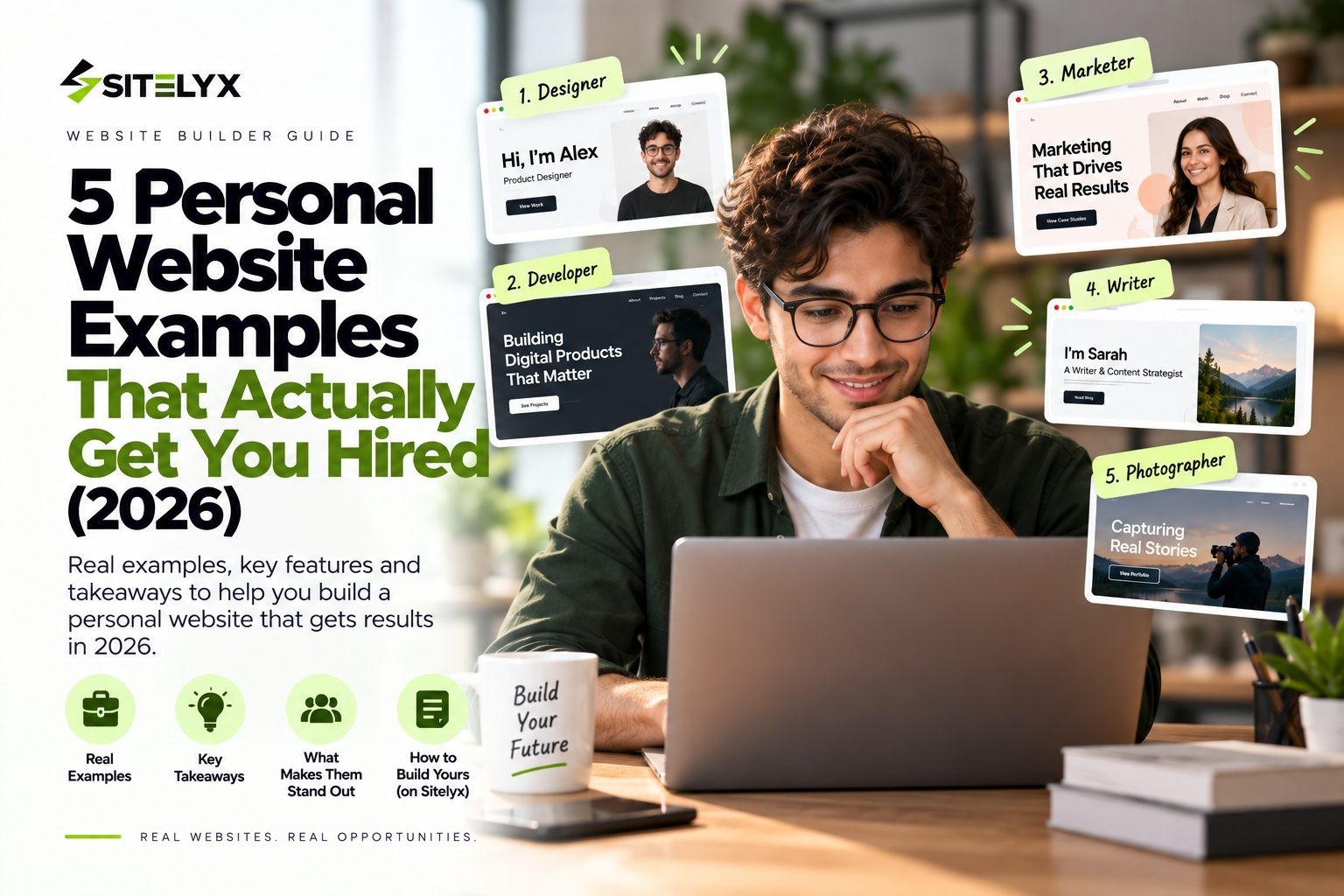
So this guide takes a different approach. We picked five real personal websites belonging to people who've worked at companies like Klaviyo, Apple, Datadog and Mailchimp, or who've landed clients like Google and Target. Then we broke each one down to show exactly which parts do the hiring work, so you can copy them for your own site.
Quick Look: The 5 Examples at a Glance
| # | Person | Role | What the site does best |
|---|---|---|---|
| 1 | Brittany Chiang | Frontend engineer | Puts experience and a résumé front and center |
| 2 | Josh W. Comeau | Developer and educator | Uses writing to prove expertise |
| 3 | Yan Holtz | Data visualization engineer | Turns free public projects into a portfolio |
| 4 | Aarron Walter | Design and product leader | Tells a clear career story |
| 5 | Lauren Hom | Designer and lettering artist | Leads with recognizable clients |
Pick the example closest to your own career path, and borrow its structure.
Do Employers Actually Look at Personal Websites?
Yes, many do, although the data is more useful when you look at it closely.
In 2018, The Harris Poll surveyed more than 1,000 US hiring managers and HR professionals for CareerBuilder. It found that 70% of employers use social networking sites to research job candidates, and 66% use search engines to do the same. Most striking of all, 47% said they were less likely to interview a candidate they couldn't find online. You can read the full results in CareerBuilder's survey of 1,000+ hiring managers.
The same survey asked employers what they'd found online that made them more likely to hire someone. The top answers were information that supported the candidate's professional qualifications (37%), evidence of creativity (34%) and a professional image (33%). Those are exactly the things a good personal website shows.
Portfolios get attention too. In Hover's study of 121 hiring professionals, 86% agreed they'd visit a candidate's portfolio when given the option, and 71% agreed that a portfolio's quality would influence their hiring decision. Hover noted that most respondents were its own customers who owned domain names, so the results likely lean in favor of portfolios.
The honest takeaway is that a personal website isn't a magic ticket. But when someone searches your name, it's what they find, and it either backs up your résumé or it doesn't.
What Makes a Personal Website Get You Hired
Across the examples below, the sites that work share five hiring signals. Hiring managers interviewed by The Muse describe several of them almost word for word.
- A clear headline. Visitors should know who you are and what you do within seconds. Kelli Dragovich of Hired said your current role is "probably the first item the hiring manager will focus on to gauge if you're a good fit."
- Proof of work. Show projects and their results. Ed Fry of Inbound.org said, "I love to see a list of projects, along with explanations as to what those projects were about... What was the outcome?"
- A short, sharp bio. Eventbrite's Deniz Gültekin looks for "a great two- to five-line bio that sums up who you are and what your value proposition is."
- Credibility markers. Employers, clients, numbers and testimonials do more than any adjective.
- An obvious next step. A résumé link, a contact form or a "hire me" button.
You can read more of what hiring managers really think about personal websites. Now let's see these signals in action.
5 Personal Website Examples That Get You Hired
1. Brittany Chiang: Frontend Engineer (The Résumé-Led Portfolio)
Site: brittanychiang.com
Brittany Chiang is a frontend engineer, and her site is one of the clearest examples of a personal website built to support a job search. It reads like a well-designed résumé, but with far more proof.
What makes it work
An instant headline. The first thing you see is her name and the words "Frontend Engineer." There's no guessing about what she does or what kind of role she fits.
Experience right on the homepage. Instead of hiding her career on a separate page, she lists each role in order, with the employer, dates and a short description of what she worked on. Hiring managers can scan her whole history in under a minute.
Projects with real numbers. Her project section doesn't just describe work, it quantifies it. Her Halcyon Theme, for example, is listed with more than 100,000 installs, which is the kind of outcome Ed Fry's quote above is asking for. A "View Full Résumé" link sits right there for anyone who wants the formal version.
The career it backs up
According to her site, Brittany is a Senior Frontend Engineer focused on accessibility at Klaviyo (2024 to present). Before that, she was a Lead Engineer at Upstatement, building websites and design systems for clients such as Harvard Business School and Pratt Institute, a UI Engineer Co-op at Apple working on Apple Music, and a Software Engineer at Starry.
What you can copy
- Put your role in the headline, not a vague tagline
- Show your experience on the homepage with dates and outcomes
- Add numbers to your projects wherever you can
- Link a résumé PDF so recruiters can download it in one click
Hiring signals: clear headline ✓, proof of work ✓, short bio ✓, credibility ✓, next step ✓
Best for: developers and anyone on an employee career track.
2. Josh W. Comeau: Developer and Educator (Writing as Proof)
Site: joshwcomeau.com
Josh W. Comeau's site shows a different route to credibility. Rather than listing what he knows, he teaches it in public, and his articles do the persuading for him.
What makes it work
A blog that proves expertise. His site is packed with free articles on CSS, React and JavaScript. Anyone evaluating him can read exactly how he thinks and explains complex problems, which is far more convincing than a skills list.
A clear About page with career history. His About page lays out his experience plainly, so readers who arrive through an article can quickly see the career behind the writing.
Content that turns into opportunity. His free writing builds trust, and his paid courses, including The Joy of React, CSS for JavaScript Developers and Whimsical Animations, build on that trust. The site works as both a portfolio and a business.
The career it backs up
According to his About page, Josh held senior engineering roles at Gatsby (acquired by Netlify), DigitalOcean and Khan Academy, and taught web development at Concordia University. He has since moved from being a Senior Staff Software Engineer to working independently as a developer educator.
What you can copy
- Write three to five in-depth articles about problems you've actually solved
- Choose topics a hiring manager in your field would care about
- Link your articles from your homepage and your résumé
- If you're starting from zero, learn how to start a free blog that ranks on Google
Hiring signals: clear headline ✓, proof of work ✓, short bio ✓, credibility ✓, next step ✓
Best for: technical roles, writers, marketers and anyone whose thinking is their product.
3. Yan Holtz: Data Visualization Engineer (Free Resources as a Portfolio)
Site: yan-holtz.com
Yan Holtz built something useful for his whole field, then made it the centerpiece of his personal website. It's a smart strategy because the portfolio proves itself every time someone uses it.
What makes it work
Public projects that people actually use. His site links to a family of free resources, including data-to-viz.com, the R Graph Gallery, the Python Graph Gallery, the D3 Graph Gallery and the React Graph Gallery. According to his site, these get around 30,000 visits a day combined. That's a credibility marker few candidates can match.
Clear service pillars. He organizes what he offers into three simple areas: teaching, consulting and speaking. Visitors immediately understand how they could work with him.
Testimonials from real colleagues. A testimonial carousel adds outside voices, such as a Queensland Brain Institute colleague who says, "Yan has taught me everything I know about data visualization!"
The career it backs up
His site describes him as a freelance engineer specializing in interactive data visualization, with past roles including Software Engineer at Datadog (2024), data visualization specialist at the Queensland Brain Institute (2019), and data analyst positions before that.
What you can copy
- Build one genuinely useful free resource in your field
- Show outcomes like usage or traffic, not just duties
- Group what you offer into two or three clear pillars
- Add testimonials from people you've worked with
Hiring signals: clear headline ✓, proof of work ✓, short bio ✓, credibility ✓, next step ✓
Best for: data, analytics and research roles, and niche specialists.
4. Aarron Walter: Design Leader (The Career Narrative)
Site: aarronwalter.com
Senior professionals face a different challenge. Their problem isn't proving they can do the work. It's connecting two decades of experience into a story that makes sense. Aarron Walter's site does this well.
What makes it work
A career told as a story. He describes himself as someone who has "spent two decades influencing how the tech industry thinks about design." That single line ties his whole career together and tells visitors what he's about.
Senior titles with recognizable employers. His roles are listed clearly, from leadership positions at Mailchimp to VP-level work at InVision, which instantly establishes his level.
Authority beyond the job. His books and his Design Better podcast show he's shaping his field, not just working in it. For senior roles, speaking and advising, that kind of thought leadership carries real weight. Multiple contact routes, including a contact form, make it easy to reach him.
The career it backs up
According to his site, Aarron worked at Mailchimp from 2008 to 2016 as Director of UX, GM of New Products and VP of R&D. He then spent 2016 to 2020 at InVision as VP of Design Education and Content, and 2020 to 2022 at Resolve to Save Lives as Director of Product for its US COVID response. He's the author of Designing for Emotion and Principles of Product Design.
What you can copy
- Write one sentence that sums up the theme of your career
- List senior titles and employers clearly
- Show thought leadership such as talks, articles or a podcast
- Keep contact options simple and visible
Hiring signals: clear headline ✓, proof of work ✓, short bio ✓, credibility ✓, next step ✓
Best for: senior professionals, managers and career changers who need to connect the dots.
5. Lauren Hom: Designer and Lettering Artist (The Freelance Client Magnet)
Site: homsweethom.com
For freelancers, "getting hired" means winning clients, and Lauren Hom's site is built to do exactly that. It leads with proof that big brands trust her work.
What makes it work
Recognizable clients up front. Her portfolio features work for brands such as Google, Target, Lowe's, Erin Condren and the Southern Poverty Law Center. A prospective client sees immediately that she's worked at that level.
Simple, clear navigation. Her menu is short and obvious: Work, About, Classes, Store, Blog and Toolbox. Visitors can find her portfolio or learn from her in a click.
Several ways to work with her. Beyond client projects, she offers online classes, a shop and a blog full of freelancing advice. She describes herself as someone who "loves helping creatives and brands get more eyes on their work," and the whole site reflects that.
The career it backs up
Her site presents her as a designer, lettering artist and marketing strategist, with client work for major brands alongside courses such as Mural Painting for Designers and Passion to Paid.
What you can copy
- Lead with your best-known clients or employers
- Organize your work by type so visitors find what's relevant
- Make "hire me" or "contact" impossible to miss
- Add a blog to show your expertise and attract search traffic
Hiring signals: clear headline ✓, proof of work ✓, short bio ✓, credibility ✓, next step ✓
Best for: freelancers, creatives and consultants.
5 More Personal Website Examples Worth Studying
If you'd like more inspiration, these sites are worth a look:
- Joe Coleman (getcoleman.com): a freelance copywriter with bold "Book me now" calls to action
- Alice Lee* (byalicelee.com): an illustrator and muralist with a colorful, work-first portfolio
- Peter McKinnon* (petermckinnon.com): a photographer and creator with a strong visual brand
- Kelsey O'Halloran* (kelseyohalloran.com): a brand messaging consultant with a service-led site
- Lin-Manuel Miranda* (linmanuel.com): a creative professional with an image-rich personal site
How to Build a Personal Website That Gets You Hired
Here's how to turn these examples into your own site:
- Define who you want to hire you. A specific role, industry or type of client shapes everything else.
- Write your headline and a two- to five-line bio. Say what you do and the value you bring.
- Choose three to six strong projects. For each one, explain the problem, what you did and the outcome, with numbers where possible.
- Add credibility. List employers or clients, and include testimonials if you have them.
- Add a clear next step. Link a résumé PDF, add a contact form, or include a booking link.
- Use your name as your domain. A domain like yourname.com is easy to remember and looks professional.
- Make it fast and mobile-friendly. Many hiring managers will open your link on their phone.
- Share the link everywhere. Put it on your résumé, LinkedIn profile and email signature.
If you want a ready-made starting point, the Sitelyx Portfolio template is described as a "minimal personal portfolio with project showcases, skills, timeline, and contact section," which covers most of these steps out of the box.
Personal Website Mistakes That Cost You Interviews
Even a good-looking site can hurt your chances if it makes these mistakes:
- No clear headline. If visitors can't tell what you do in a few seconds, they'll leave.
- Projects without outcomes. A wall of screenshots says little. Explain the result.
- Outdated information. Listing an old job as current raises questions.
- Broken links or a missing résumé. Small errors suggest carelessness.
- Hard-to-find contact details. Don't make an interested employer hunt for your email.
- A slow or broken mobile view. Test your site on a phone before you share it.
- Personality that crowds out relevance. Ty Magnin of Appcues warned in The Muse that your site shouldn't "make a hiring manager think your heart won't be in the role."
Build Your Personal Website for Free With Sitelyx
If you want to put these ideas into practice without spending money, Sitelyx is a simple place to start. It's a hosted website builder with a permanent free plan that needs no credit card, and Sitelyx describes its free sites as ad free. Your site goes live on a free address like yourname.sitelyx.co.
The Free plan includes a portfolio section, a Resume Builder for up to three résumés, and a Form Builder you can use for a contact form, all managed from one admin panel at /admin-home. You can preview the live portfolio template demo to see the layout.
When you're ready for a professional address like yourname.com, a custom domain from $4 per month is available on the Growth plan, which also comes with a 10-day free trial with no card.
Frequently Asked Questions
Conclusion
The best personal website examples don't win because of flashy design. They win because they make a hiring manager's job easy: a clear headline, real proof of work, credible employers or clients, a short bio and an obvious next step.
Brittany Chiang leads with experience, Josh W. Comeau with writing, Yan Holtz with useful free resources, Aarron Walter with a clear career story, and Lauren Hom with recognizable clients. Pick the one closest to your path and borrow its structure.
When you're ready, build your personal website free on Sitelyx and put your best work where hiring managers will find it.
No Tags
Login to Leave a Comment
Related Blog
- 24 Sep 2026
- 3
- 0 Comment
Is Wix a Good Website Builder? An Outsider`s Review
Is Wix a good website builder in 2026? We weighed real user ratings, independent test data and Wix's own numbers, including where Wix genuinely wins.

- 24 Sep 2026
- 20
- 0 Comment
How Much Does It Cost to Build a Website in 2026?
What should a website cost in 2026? Survey data from 300+ agencies, real builder prices, line-item costs and three sample budgets from $0 to $20,000.
- 23 Sep 2026
- 21
- 0 Comment
How Long Does It Take to Build a Website? Real Numbers
How long does it take to build a website? Real 2026 survey data from 300+ web agencies, plus timelines for AI, DIY builders, WordPress and custom builds.
Comments (0)